This is Call Centre Supervisor Portal view.
The Supervisor scope has two different page styles.
For the Call Centre Supervisor view:
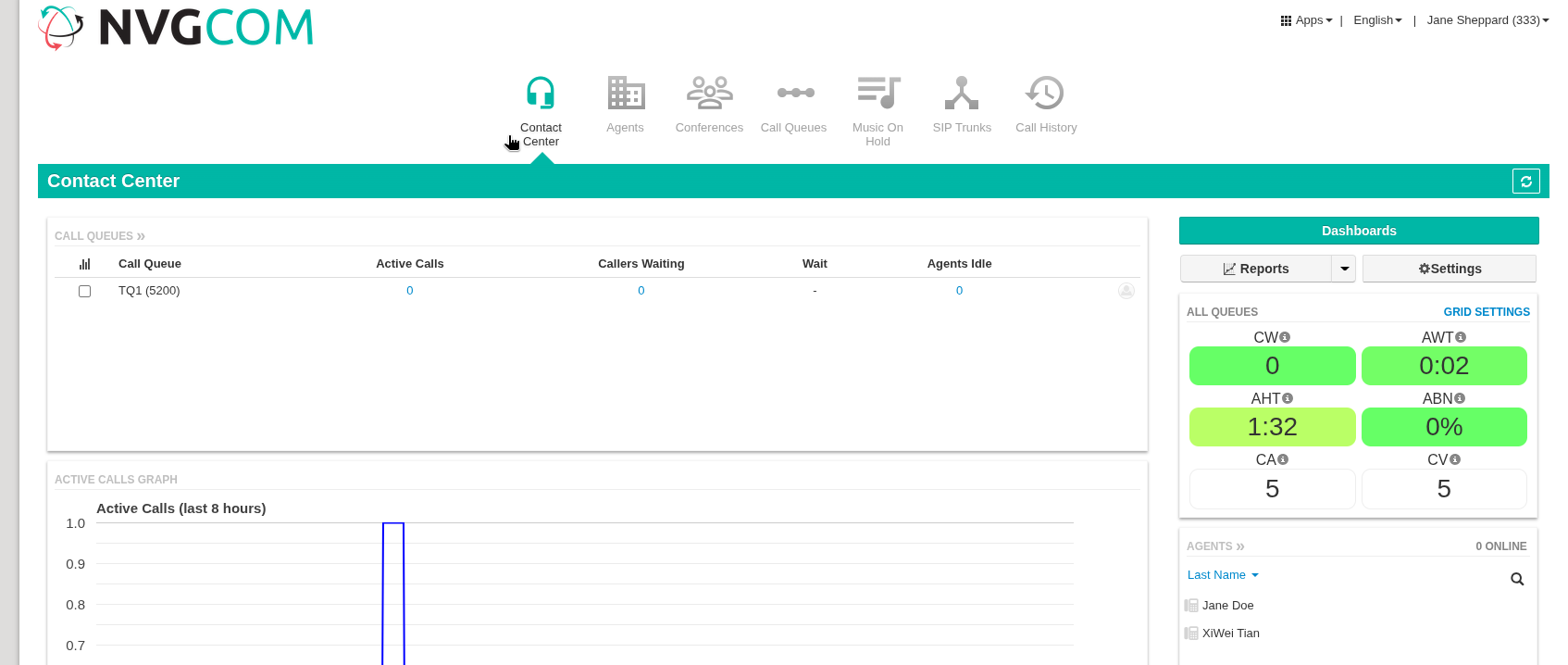
This page is where the user can view call queues and agents.
For User/Extension view:
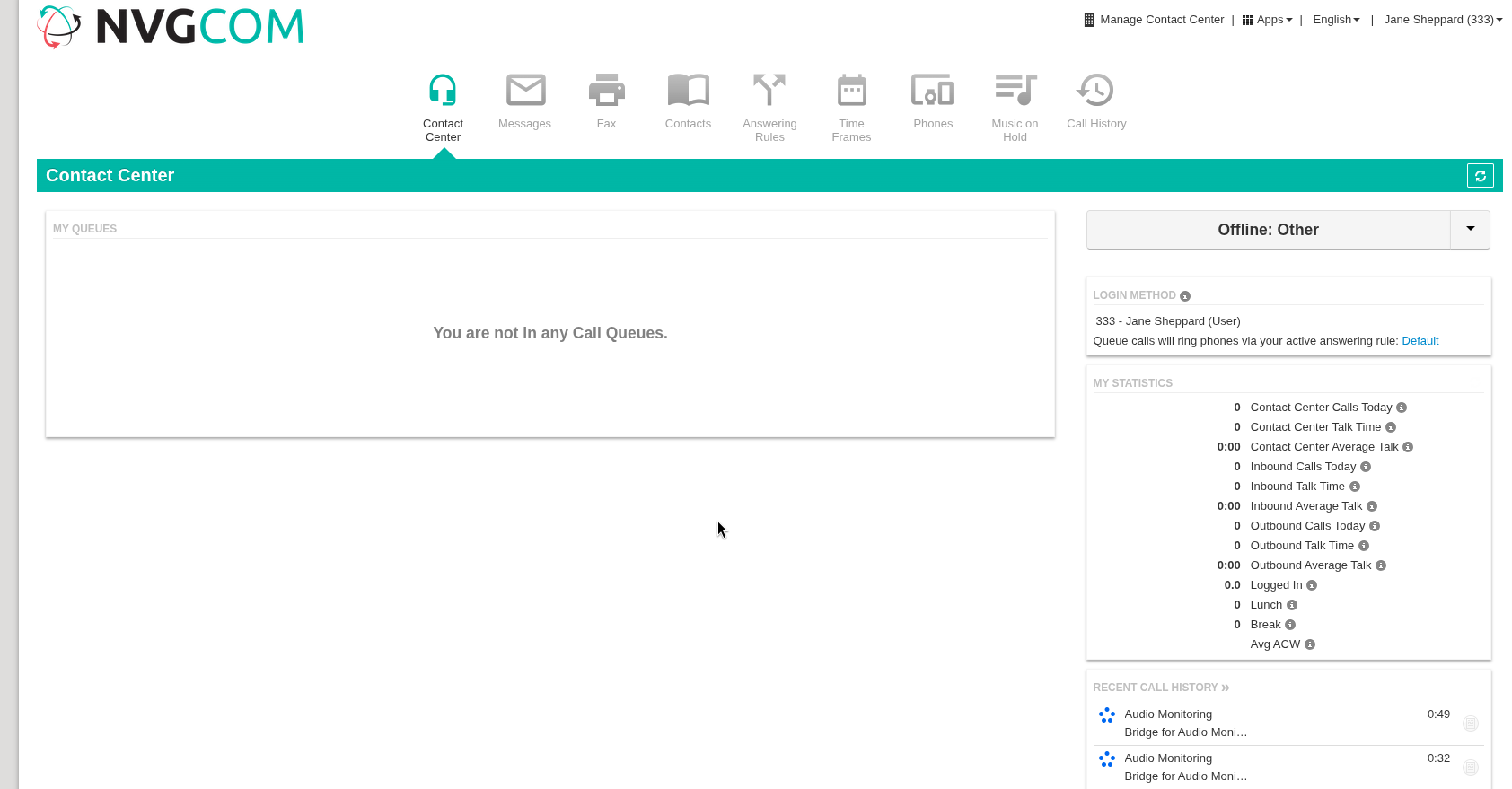
This page is where the regular Basic user scope residents with access to Voicemail Messages, Contacts, Answering Rules, Time Frames, Call History, profile settings and other.
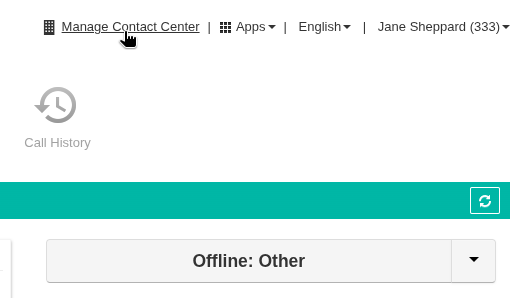
To access the Call Centre Supervisor page from the User page, click on the Manage Contact Centre in the top right.
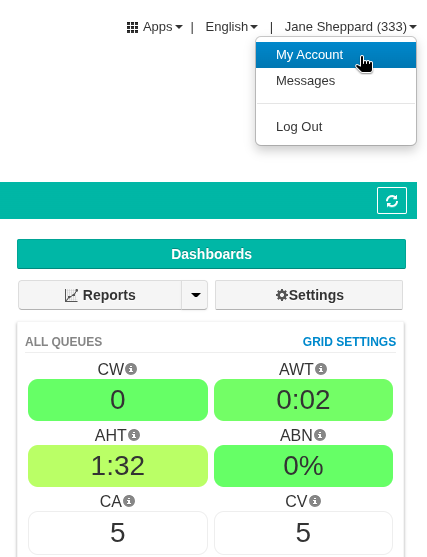
To access the User Account from Call Centre view, click on your name (EXT) dropdown menu and select My Account.
You can also view the Call Centre Supervisor Guide — Monitoring guide.
Was this article helpful?
That’s Great!
Thank you for your feedback
Sorry! We couldn't be helpful
Thank you for your feedback
Feedback sent
We appreciate your effort and will try to fix the article